



WordPress Themes
Our Current WordPress Themes
-

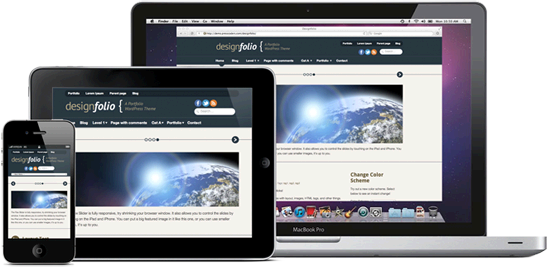
Designfolio
A responsive portfolio theme so good we used it on our own site! -

CoachPro
The perfect theme for your coaching or personal development business. -

Façade
A modern responsive theme with full color customization options. -

FitPro
The #1 WordPress theme for fitness professionals. -

FitX
A flashy theme to make your health or fitness business come alive! -

Curo
A beautiful theme for Medical Professionals and more. -

Lux
A minimalist, photo-centric, highly customizable portfolio theme.